OneStream XF Skill Chat — A Browser-Only Demo
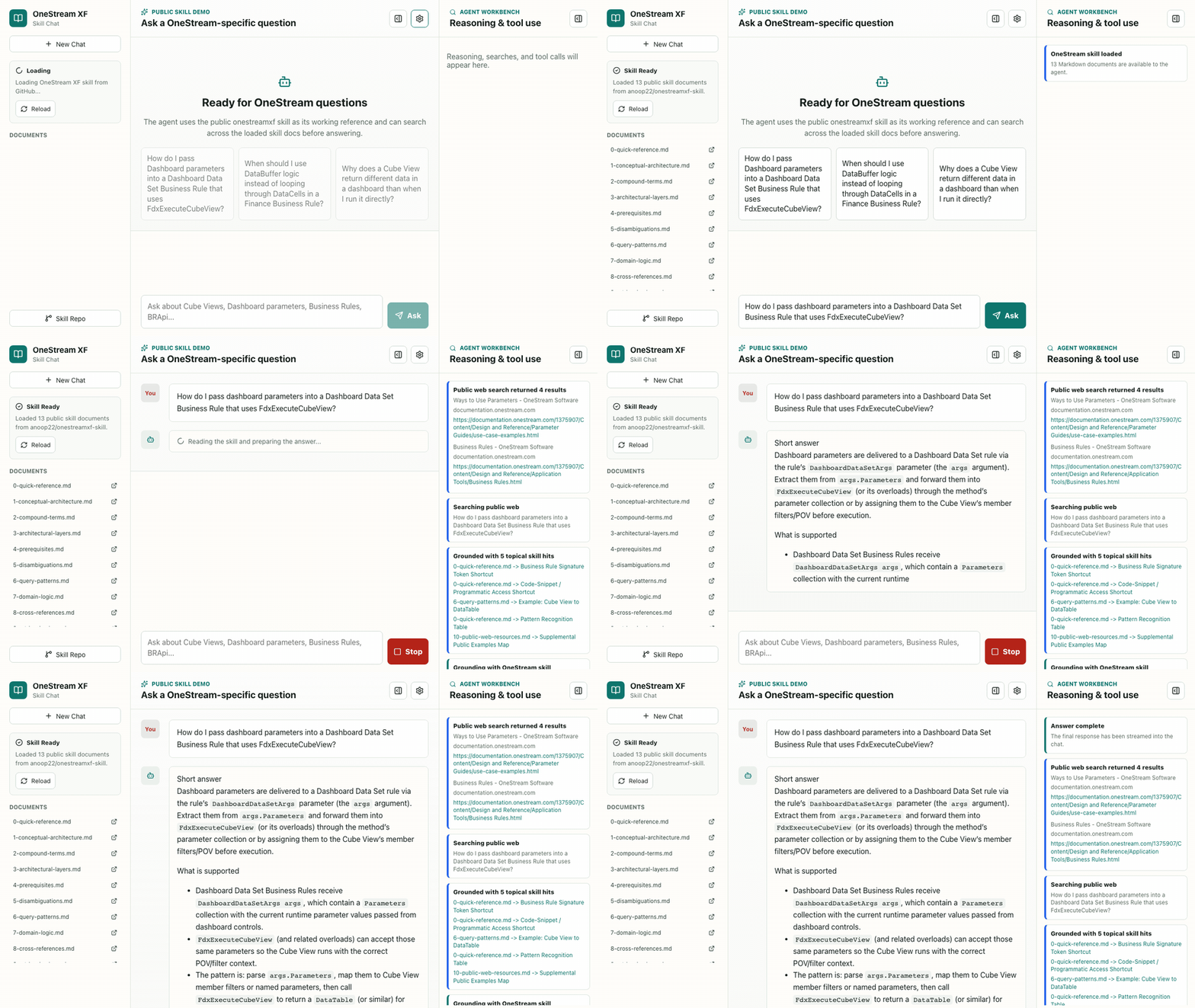
A static GitHub Pages demo that answers OneStream XF questions with the public onestreamxf-skill loaded as the agent's working skill — running entirely in the browser, no backend.
GitHub: anoop22/onestreamxf-chat · Live: anoop22.github.io/onestreamxf-chat
A static demo that puts the onestreamxf-skill in front of anyone who wants to try it. No install, no backend, no API key on a server — just a web page that runs an agent loop locally with the skill loaded.
How it works
- GitHub Pages serves a static React/Vite app
- The browser fetches the public skill Markdown files directly from GitHub
@mariozechner/pi-agent-coreruns the agent loop and tool execution@mariozechner/pi-aistreams responses from OpenRouter- The user supplies an OpenRouter API key, stored in browser
localStorageonly
Why a browser-only build
The whole point of publishing a skill is that other people can use it. A static demo lowers the trial cost to zero — open a URL, paste a key, ask a OneStream question. There is no server-side surface to maintain, no auth, no secrets to leak. The default model is openrouter/free so the trial is genuinely free for most users.
Local dev
npm install
npm run dev
Build with npm run build — output goes to docs/ with the Vite base path set for GitHub Pages.